

Appointments
Appointment reminders
Send confirmations, reminders, rescheduling messages, and cancellations from the number your customers already know.
- Confirm new bookings
- Remind customers before a visit
- Share schedule changes
Automate the messages your customers and teams already need: appointment reminders, order updates, service notifications, lead follow-ups, and more.

Featured workflows
Each guide includes practical examples and a straightforward path through Zapier, Make, or Voxiplan.
Appointments
Send confirmations, reminders, rescheduling messages, and cancellations from the number your customers already know.
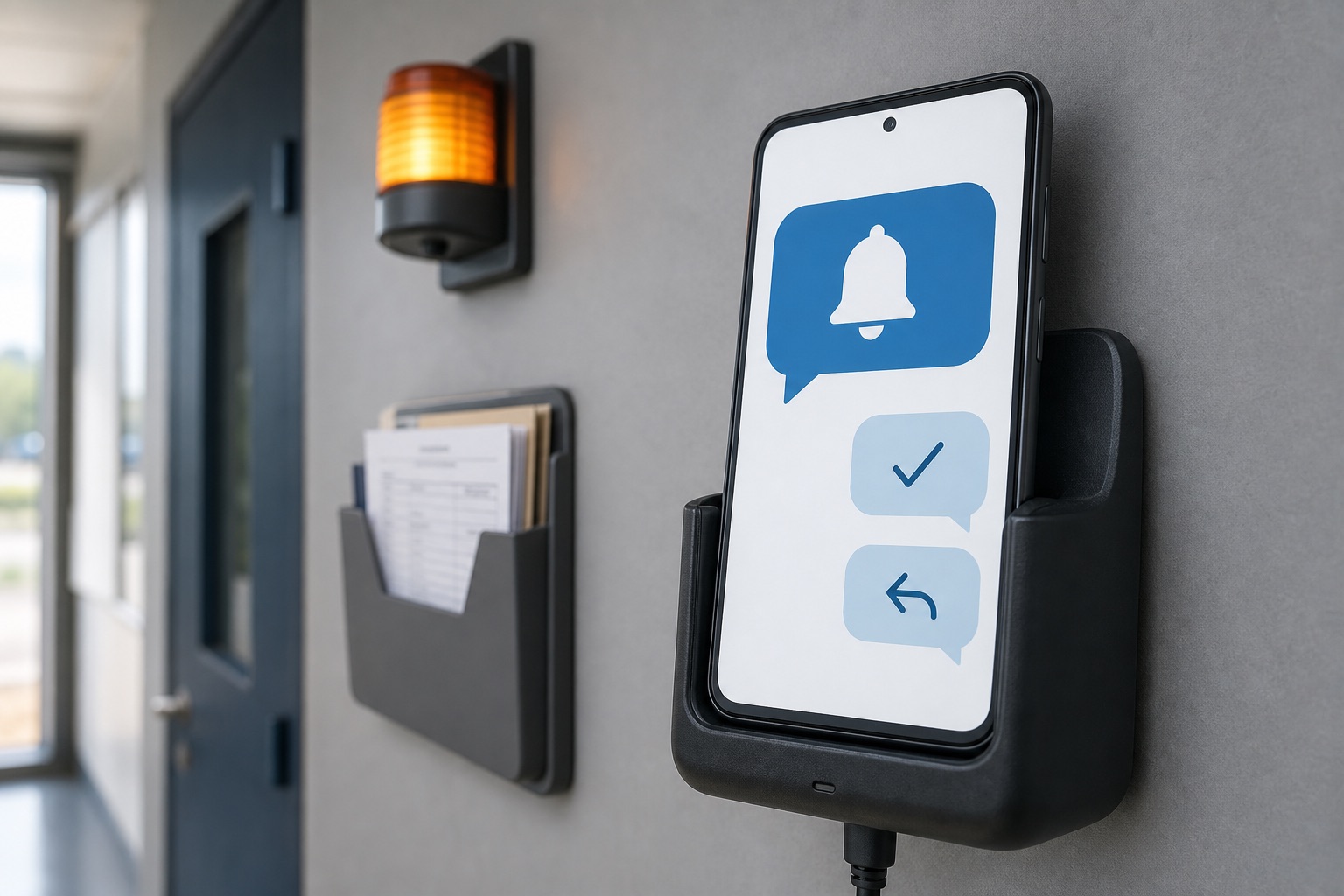
Business updates
Turn order changes, service events, tickets, forms, and team updates into automatic text messages.
Tell customers when an order is confirmed, delayed, ready, or shipped.
Send ticket updates, service changes, and follow-up messages from your business number.
Text the right salesperson when a new form, enquiry, or booking request arrives.
Send invoice reminders, payment confirmations, renewal notices, and account updates.
Keep the business event in the app where it already happens. VoxiSMS handles the final step and sends the text from your connected mobile number.
Start with an order, appointment, form, ticket, payment, or team update.
Use Zapier, Make, or Voxiplan to create the message and choose the recipient.
VoxiSMS sends the text through your connected Android phone, SIM, and mobile number.
Install VoxiSMS, connect the workflow your business already uses, and send from your own Android phone and mobile number.