
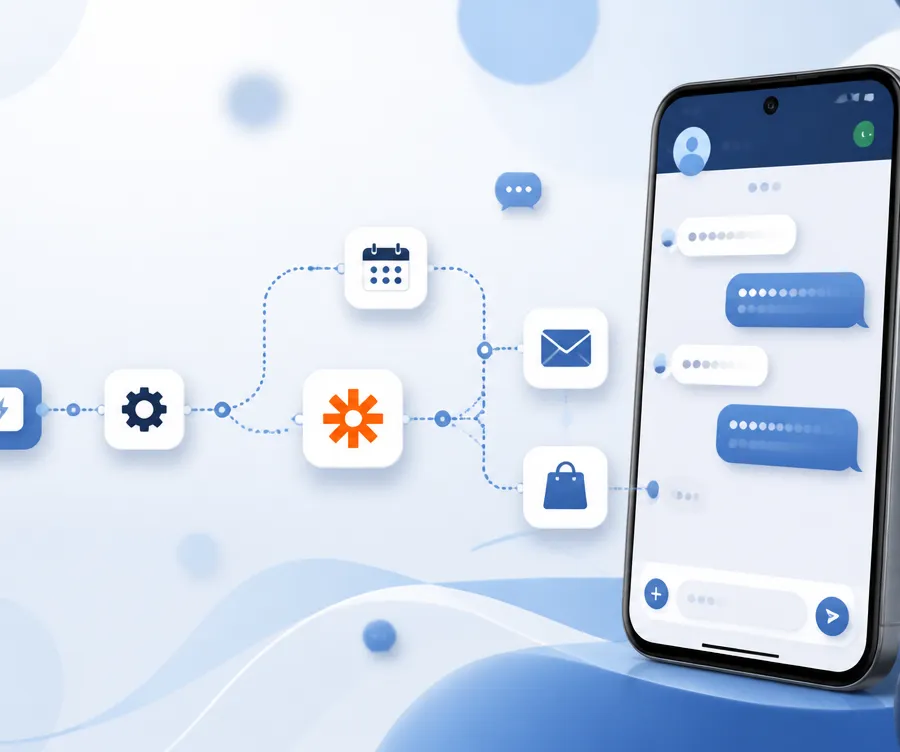
You can send SMS from Zapier using your own phone number by connecting VoxiSMS as a Zapier action. Install the VoxiSMS app on an Android phone, link it to your Voxiplan account, then add VoxiSMS as the action step in any Zap. Messages go out from the real mobile number your customers already know.
In a nutshell
- VoxiSMS turns any Android phone into a Zapier compatible SMS sender, so every text comes from your own mobile number.
- Setup takes under 5 minutes. Install the app, link the device to Voxiplan, then add VoxiSMS to a Zap.
- You pay zero per-message fees to VoxiSMS. The only SMS cost is whatever your mobile carrier already charges on your existing plan.
- VoxiSMS suits transactional and operational SMS up to about 1,000 messages a day. For larger bulk marketing volume, use a dedicated A2P provider.
- More than 2,400 businesses already use VoxiSMS, including clinics, salons, agencies, and Shopify stores, and report up to 40% fewer no-shows when reminders go out from a real local number.
Why send Zapier SMS from your own phone number?
Most Zapier SMS actions route through rented short codes or rented long codes. The recipient sees an unfamiliar number, a five digit code, or a generic toll-free line. Reply rates suffer, and many people assume the message is spam.
Sending from your own number changes that. The text shows up under the same thread your customer already trusts.
If they call back, the line rings. If they save your contact, the next message lands under your business name.
The performance gap is real. Industry data shows SMS open rates near 98% and response rates around 45%, compared with email open rates of 20% to 28% and response rates closer to 6% to 10%, according to Omnisend’s 2025 SMS benchmark report. When the sender ID is recognized, those numbers improve further.
For appointment based businesses, the lift is even larger. A randomized clinical study found that SMS appointment reminders reduced no-shows by 38%. VoxiSMS customers in dental, salon, and clinic settings report drops as high as 40% once reminders move to their own mobile number, based on internal usage data across 2,400+ accounts.
What do you need before you start?
You need four things to send Zapier SMS from your own phone:
- An Android phone running Android 6.0 or higher with a SIM card and an active texting plan.
- A stable Wi-Fi or mobile data connection on that phone.
- A free Voxiplan account, since VoxiSMS pairs the device to your Voxiplan workspace.
- A Zapier account on any paid plan that allows multi-step Zaps if your workflow has more than one action.
You do not need a Twilio account. You do not need to rent a number. You do not need to register an A2P 10DLC campaign; the phone you already own is the sender.
How do you connect VoxiSMS to Zapier? A step by step setup
The full setup takes under 5 minutes if your phone and Voxiplan account are ready. Follow these eight steps.
Step 1: Install the VoxiSMS app
Open the Google Play Store on the Android phone you want to use as the sender. Search for VoxiSMS by Voxiness, then install the app. Grant the SMS and notification permissions when prompted, since the app cannot send texts without them.
Step 2: Create or open your Voxiplan account
Go to voxiplan.com and sign in, or create a new free account. Inside the dashboard, open the VoxiSMS section. You will see a setup token for linking a device.
Step 3: Link your Android phone to Voxiplan
Open VoxiSMS on the phone. Enter your phone number and paste the setup token. Tap connect.
The Voxiplan dashboard will confirm the device is online within a few seconds. Keep the phone charged, online, and not in battery saver mode. Battery saver settings on phones from Huawei, Xiaomi, Oppo, ZTE, or Tecno can stop background apps and break message delivery.
Step 4: Open Zapier and create a new Zap
Log in to your Zapier account. Click Create Zap. Pick the trigger app that will start the workflow, such as Shopify new order, Calendly invitee scheduled, Stripe new charge, Google Forms new response, HubSpot new contact, or Webhooks by Zapier.
Step 5: Add VoxiSMS as the action step
In the action step, search for VoxiSMS and choose the Send SMS action. Connect your Voxiplan account by signing in or pasting your API key. Zapier will pull the available sender devices linked to your account.
If the VoxiSMS app is not yet listed in your Zapier directory, use Webhooks by Zapier and POST to the VoxiSMS webhook endpoint shown in your Voxiplan dashboard. The fields are identical: device ID, recipient phone, and message body.
Step 6: Map your fields
Choose the sender device. Map the recipient phone field to the phone number from your trigger step, such as Customer Phone from Shopify or Invitee Phone from Calendly. Write the message body and pull dynamic values into it.
A good reminder template looks like this:
Hi {{first_name}}, this is a reminder for your appointment on {{date}} at {{time}}. Reply YES to confirm or call us to reschedule.
Keep messages under 160 characters to stay inside one SMS segment.
Step 7: Test the Zap
Click Test action. Zapier will trigger a real SMS from your Android phone to the test contact. Open the phone and confirm the message left the outbox, then open the recipient phone and confirm the message arrived as expected.
Step 8: Turn the Zap on
Once the test sends and arrives, switch the Zap on. From this point, every matching trigger event will send an SMS from your own mobile number through your existing carrier plan.
How does sending SMS from your own number compare to Twilio and other SMS APIs?
The decision usually comes down to cost, sender trust, and how much compliance work you want to take on. Here is a side by side view.
| Factor | VoxiSMS (your own number) | Twilio 10DLC | ClickSend / generic SMS by Zapier |
|---|---|---|---|
| Sender number | Your real mobile number | Rented 10 digit number | Rented number or shared short code |
| Per-message fee | $0 from VoxiSMS, only your carrier’s SMS plan rate | About $0.0083 base plus carrier surcharges | About $0.04 to $0.09 per SMS |
| Carrier fees (US) | None | T-Mobile $0.003, Verizon $0.0025, AT&T $0.002 per registered SMS, per Twilio’s A2P 10DLC fee table | Included in per-message price |
| A2P 10DLC registration | Not required for personal long codes | $4.50 to $46 one-time brand fee, $15 per campaign vetting fee, $1.50 to $10 per month per campaign | Usually handled by the provider, sometimes passed through |
| Sample cost for 5,000 SMS per month (US) | $0 to VoxiSMS, around $0 to $25 carrier depending on plan | About $395 once carrier surcharges and campaign fees are stacked | Typically $200 to $450 |
| Setup time | Under 5 minutes | 1 to 4 weeks for full 10DLC approval | 15 to 30 minutes |
| Recipient sees | Your known business mobile | New unknown number | New unknown or shared number |
| Best for | Transactional, operational, and reminder SMS up to roughly 1,000 messages per day | Compliant bulk marketing in the US | Lightweight one-off automations |
The VoxiSMS cost reference points are based on published Twilio carrier and campaign fees plus typical mobile carrier unlimited SMS plans. The Twilio totals assume an active Standard brand and one active campaign.
What triggers work well with VoxiSMS in Zapier?
Almost any trigger you can wire up in Zapier becomes a potential SMS event. The ones VoxiSMS customers use most often are:
- Shopify new paid order, to thank the buyer and confirm shipping.
- Shopify abandoned checkout, to recover a cart with a personal nudge from the store owner’s mobile.
- Calendly new event scheduled, to send a confirmation immediately.
- Calendly reminder due or a Zapier scheduled step, to send a same day reminder that drops no-shows.
- Stripe successful charge, to confirm payment and share a receipt link.
- HubSpot deal stage changed, to follow up the moment a deal moves.
- Google Forms new response, to send a quick acknowledgment.
- Typeform new entry, similar to Google Forms.
- Webhooks by Zapier, when your in-house tool, CRM, or monitoring system fires an event.
For related no-code workflows, start with the VoxiSMS Zapier integration and compare the VoxiSMS Make integration if your automations already run in Make.
When should you not use this setup?
VoxiSMS is built for operational and transactional SMS, not for high volume marketing blasts. Avoid this method if any of the following is true:
- You need to send more than roughly 1,000 messages per day from a single device. Carriers will flag the SIM as a spammer.
- You are running US bulk marketing and your legal team requires a registered A2P 10DLC campaign for compliance. In that case use a registered provider.
- You need guaranteed sub-second throughput across thousands of concurrent sends. A real phone cannot match cloud API throughput.
- You do not have access to a dedicated Android device that can stay online during sending hours.
For volume above those thresholds, pair VoxiSMS with a dedicated A2P provider so that transactional SMS goes through your own number while bulk campaigns go through the registered route.
How do you troubleshoot when an SMS does not send?
If a Zap fires but no SMS leaves the phone, check these four things first:
- Phone is online and unlocked enough to run background tasks. Disable battery saver for the VoxiSMS app and exclude it from doze mode in Android settings.
- VoxiSMS app is signed in. Open the app and confirm the device shows as connected in the Voxiplan dashboard.
- Recipient phone number is in E.164 format, for example +14155550123. Zapier may pass numbers without the plus sign, so use the Formatter step to normalize them.
- SMS quota on your carrier plan is not exhausted. Some prepaid plans cap daily SMS volume.
If the phone is online, signed in, and the number is formatted correctly, run the Zap in Zapier history and read the action response. The VoxiSMS action returns a clear error code when a send fails.
Frequently asked questions
Do I need a Twilio account to send SMS from Zapier?
No. VoxiSMS sends through the SIM card already in your Android phone, so you do not need any external SMS API account.
Will recipients see my real phone number?
Yes: the text arrives from the exact mobile number on the SIM. That is the whole point. Replies come back to the same phone.
Is there a per-message fee from VoxiSMS?
No. You only pay your Voxiplan subscription plus whatever your mobile carrier charges on your normal plan. Most US, UK, and EU plans include unlimited SMS at no extra cost.
Can I receive replies in Zapier?
Yes. VoxiSMS captures inbound messages and exposes them as a new SMS received trigger in Zapier, so you can route replies into CRMs, Slack, email, or a shared inbox.
Does this method comply with A2P 10DLC rules in the US?
A2P 10DLC rules apply to Application to Person traffic sent through commercial 10DLC numbers. Sending operational SMS from your own personal or business mobile number on a standard carrier plan is treated as person to person traffic and falls outside A2P 10DLC registration. Always confirm with a US compliance professional for marketing or high volume use.
Can I send MMS or images?
Standard VoxiSMS sends SMS only. For richer media, use the Voxiplan dashboard or attach a link to a hosted image in the message body.
What happens if my phone is offline?
Outbound messages queue inside the VoxiSMS app and send as soon as the device reconnects. For mission critical reminders, pair two devices on the same Voxiplan account so one can take over.
Can multiple team members trigger SMS from the same device?
Yes. The Zap is the same regardless of who or what triggers it. Many agencies use one Android device per client account and run dozens of Zaps against it.
Glossary
- A2P SMS: Application to Person SMS. Messages sent from software to an individual through a commercial messaging route. Typically requires 10DLC registration in the US.
- Long code: A standard 10 digit phone number used for SMS. Can be a real mobile number, a VoIP number, or a rented commercial number.
- Sender ID: The phone number or name a recipient sees when an SMS arrives.
- Webhook: A URL that receives an HTTP request when an event happens. Zapier can both send to and receive from webhooks.
- Zap: A single automated workflow in Zapier, made of one trigger and one or more actions.
Ready to send your first SMS from your own number?
Install VoxiSMS, link your Android phone, and ship your first Zap in under 5 minutes. Start your free Voxiplan account and join the 2,400+ businesses already sending Zapier triggered SMS from a number their customers already trust.
For adjacent no-code automations, explore the VoxiSMS Zapier integration and VoxiSMS Make integration.
